Enhancing PDF Security with MaiPDF's Fence View Feature
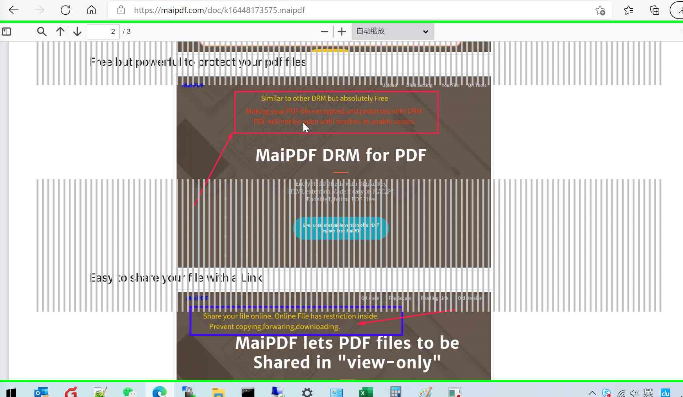
In today’s digital age, protecting sensitive documents is more important than ever. MaiPDF offers a unique feature known as **Fence View**, which enhances the security of your PDFs by preventing screen capturing, ensuring that unauthorized users cannot extract or distribute your content.
How Fence View Works
Fence View is designed to prevent screen capture activities, which are a common vulnerability for unauthorized users trying to copy or distribute sensitive content. By disabling screenshot and screen recording tools, it ensures that your documents remain secure and confidential.
User Experience and Evaluation
While Fence View enhances content protection, it is important to note that it may affect certain activities, such as taking screenshots for personal use or sharing content. Therefore, the effectiveness of this feature depends on individual preferences and needs, striking a balance between security and user experience.
Benefits of Using Fence View
- Enhanced Content Protection: Prevents unauthorized individuals from capturing your PDF content, ensuring its integrity.
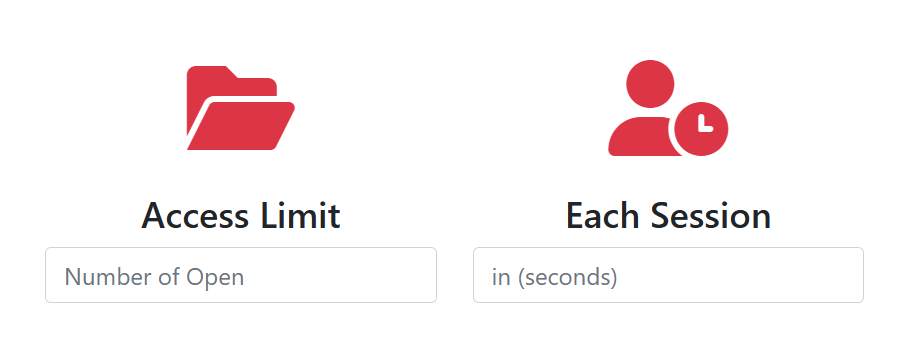
- Customizable Settings: Tailor the level of restriction based on your specific needs, balancing security and convenience.
- User-Friendly Interface: MaiPDF makes it simple to enable or disable the Fence View feature with an intuitive interface.
- Increased Security Awareness: Encourages users to be mindful of document security and promotes responsible handling of sensitive information.
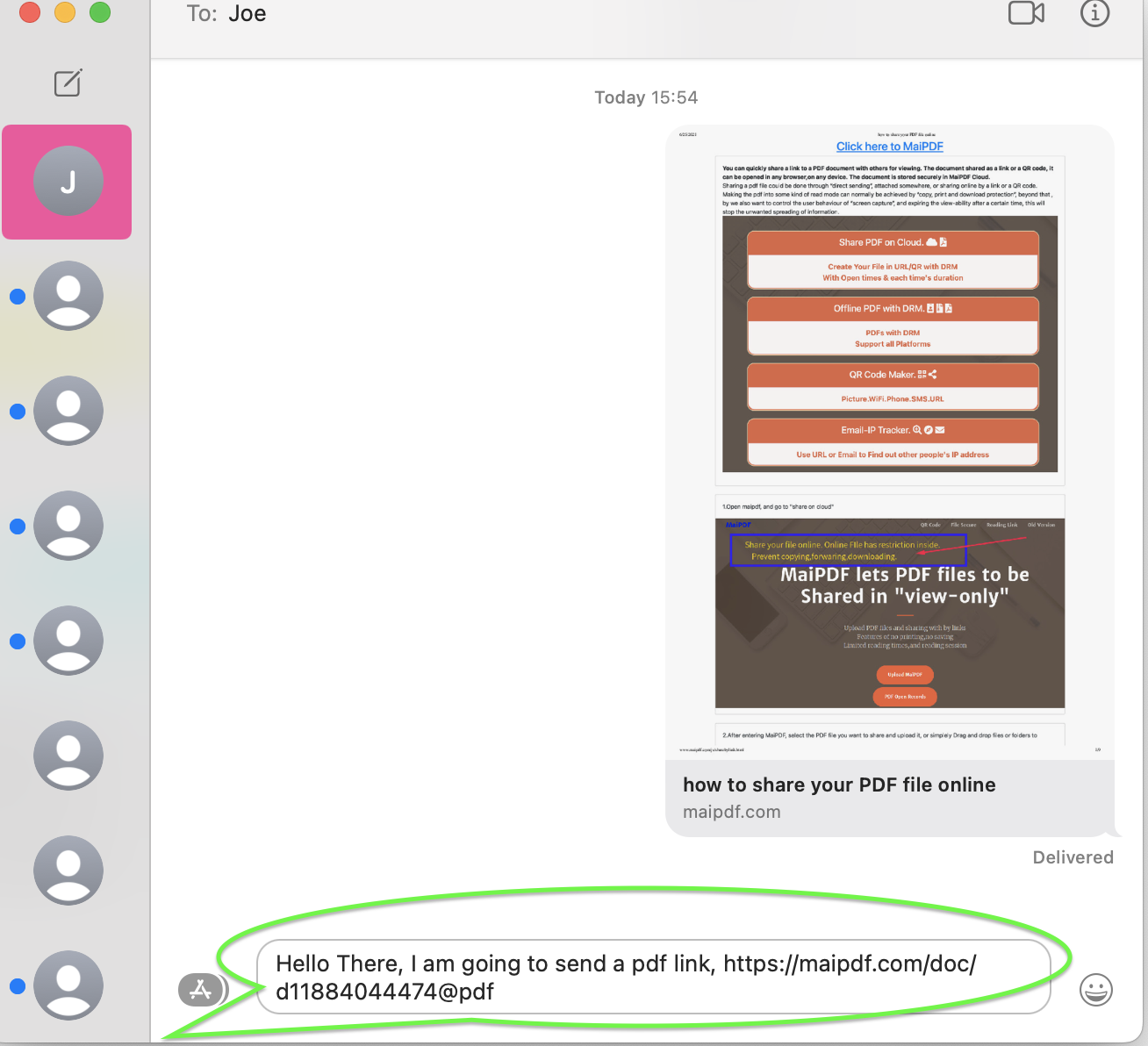
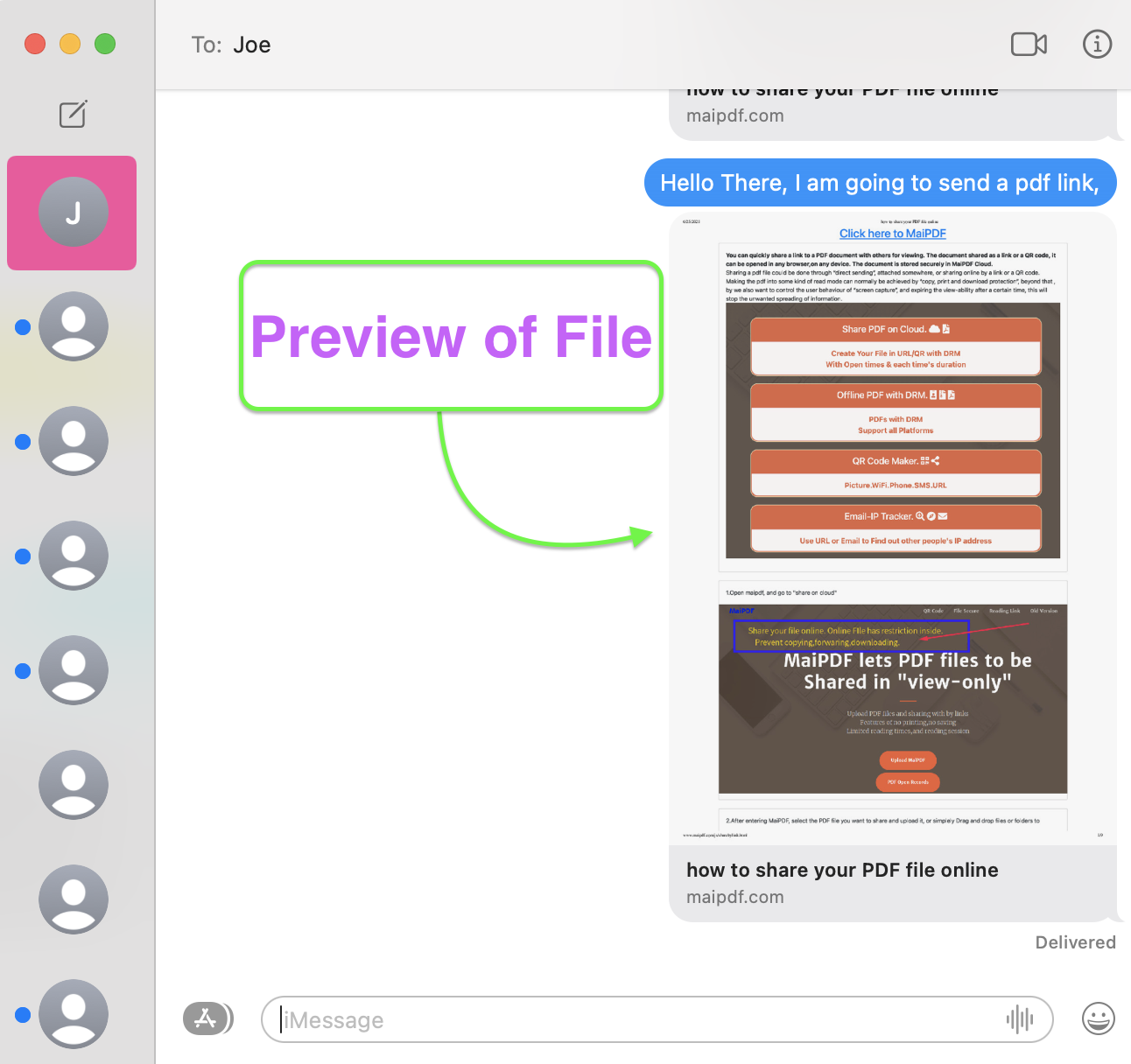
MaiPDF’s Fence View feature is a powerful tool to enhance PDF security by preventing unauthorized screen capturing. While it may affect certain user activities, its customizable settings and ease of use allow you to secure your documents effectively, according to your specific requirements and preferences.
Related Articles & Resources
Explore more guides about secure PDF sharing and document management.
Share PDF Online Free
Complete guide to sharing PDFs securely
Control PDF Access
Advanced access control features
PDF Analytics
Track and analyze PDF engagement
All Features
Explore all MaiPDF features
More Resources from MaiPDF Blog
Discover more in-depth guides and tutorials on our official blog at article.maipdf.com
PDF Security Best Practices 2025
Complete guide to protecting your PDFs with latest security techniques.